Phone
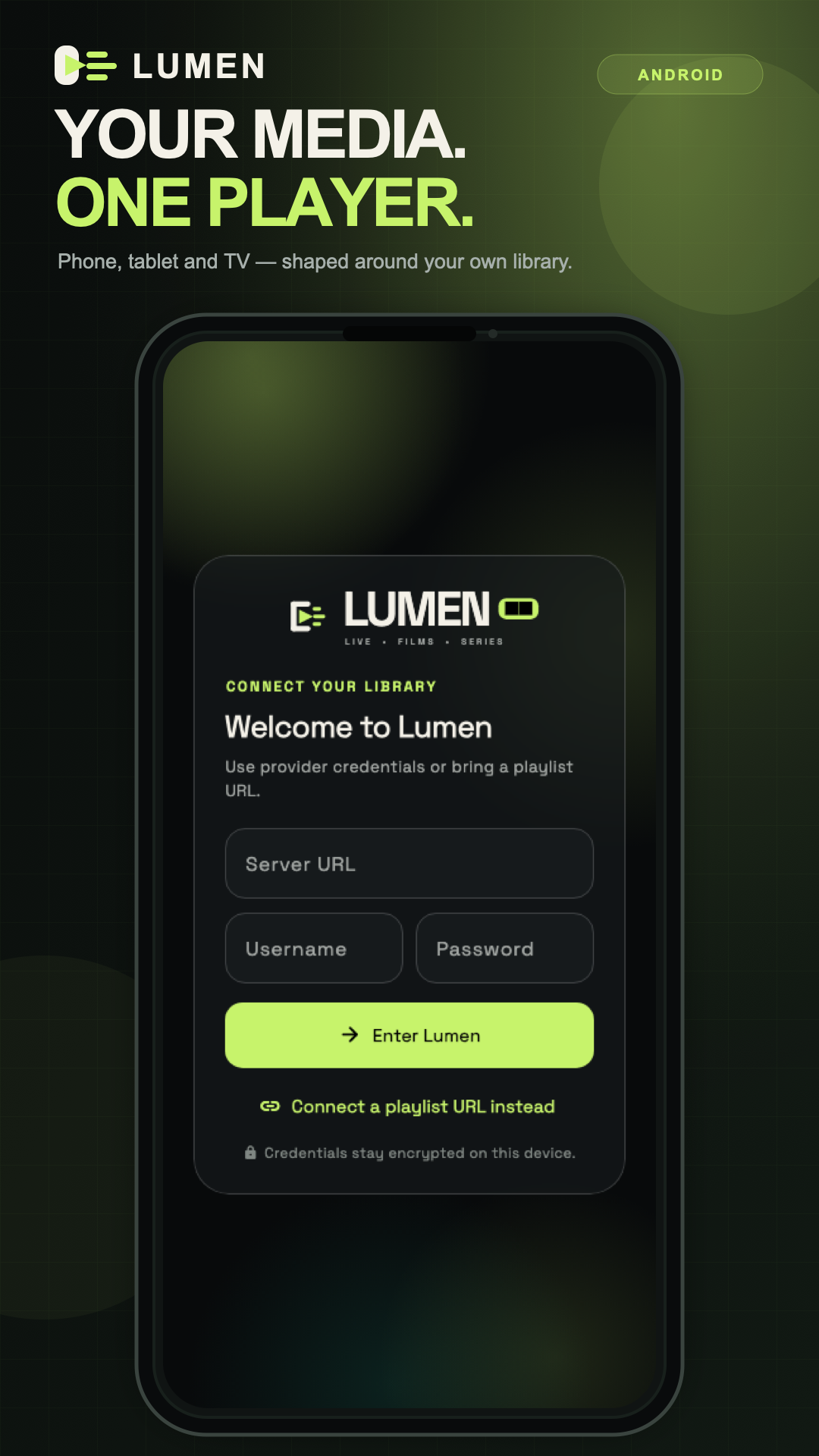
A focused library in your pocket.
 LumenGet Lumen
 Independent media player • Built around you
Now on Google PlayGet Lumen for Android and TVOne sharp, private home for the media you are authorized to access— across phone, desktop, and TV.
Explore↓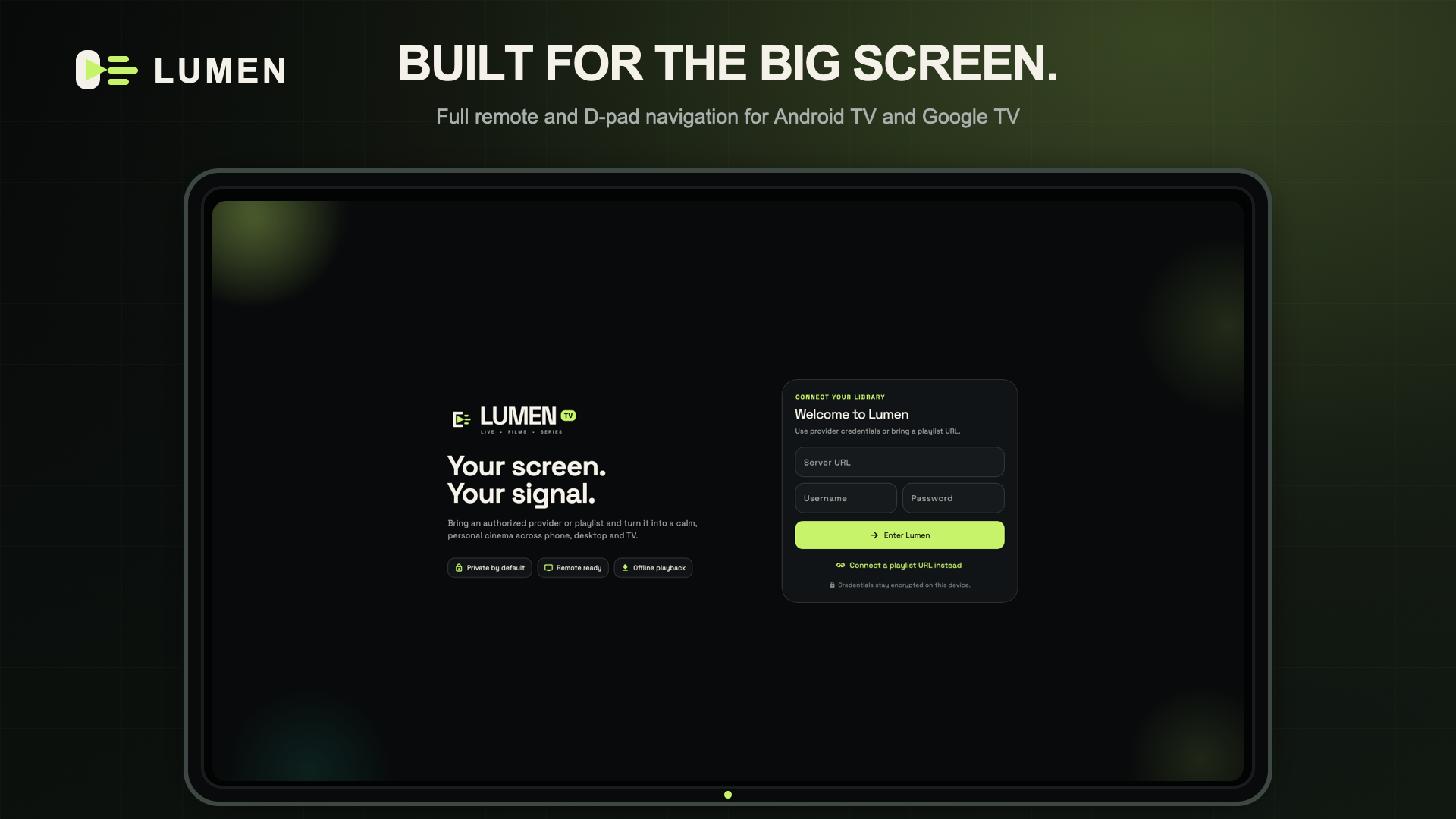
01 / THE EXPERIENCE
02 / INSIDE LUMEN
Explore four key surfaces built from the same focused design system. All titles and artwork below are fictional product demonstrations.
48 minutes remaining
Continue watching, recent channels, and favorite collections arrive in a clear priority order.
03 / ONE LANGUAGE
Cinematic where it matters. Immediate everywhere else. Move from discovery to playback without losing your place.
04 / FLOW STATE
05 / EVERY SCREEN
The layout adapts without losing its identity—from a thumb-friendly phone to a ten-foot television interface.
A focused library in your pocket.
Big-screen browsing without the noise.
D-pad navigation from every seat.
06 / TEN-FOOT READY
Focus is never invisible. Every destination, shelf, action, and player control is reachable with a D-pad and centre button.
07 / YOUR SPACE
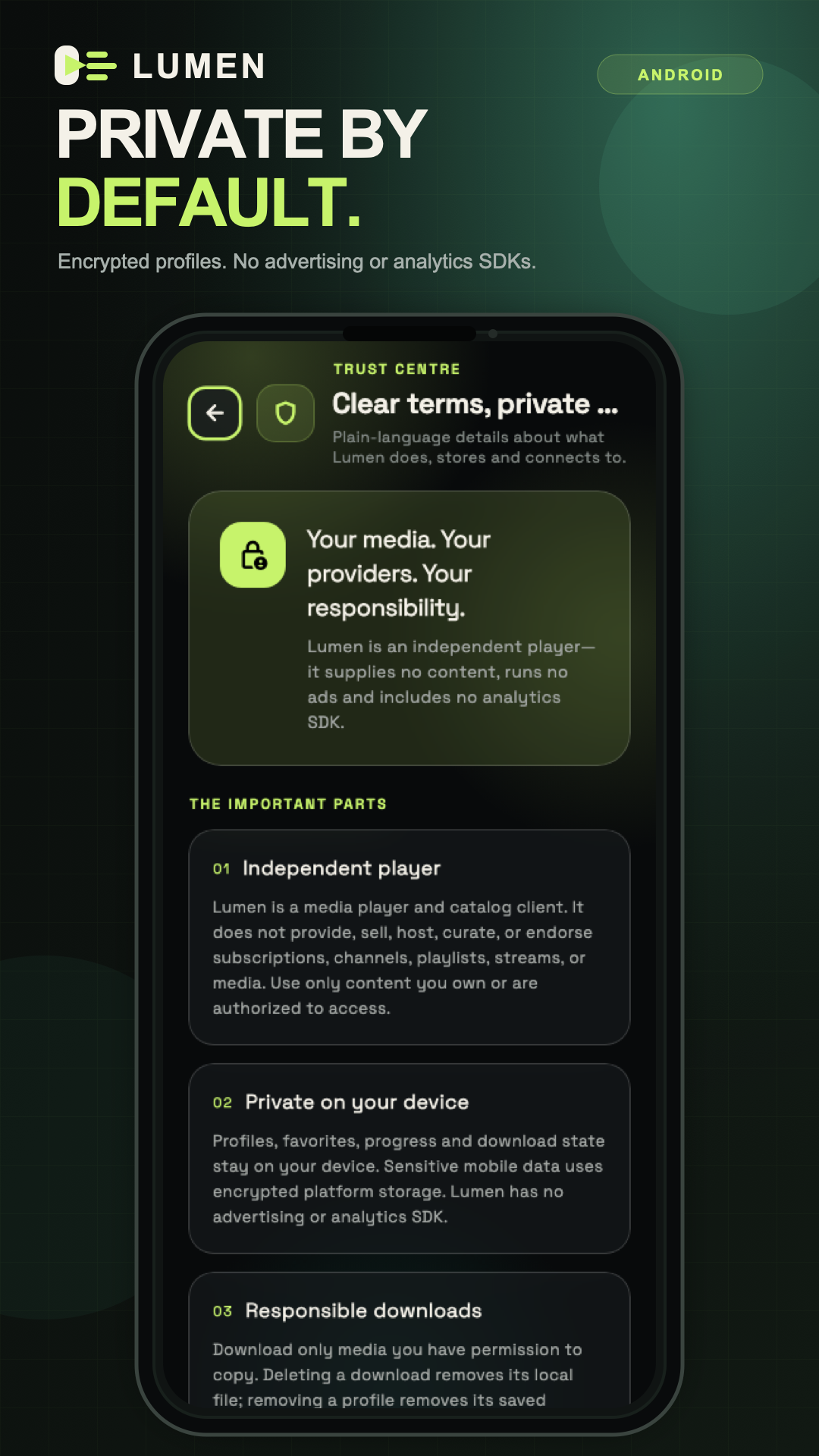
No advertising SDK. No analytics SDK. Profiles, favorites, progress, and download state stay on your device.
Read the privacy policyConnect an authorized provider or playlist. Lumen supplies no content.
Fast shelves, focused search, and playback controls that stay out of the way.
Profiles, progress, favorites, and downloads remain on your device.
08 / THE TOOLKIT
A flexible player for the sources you already have. Available content, guide data, artwork, and playback options depend on your source and device.
Connect your authorized Xtream-compatible service or M3U playlist. Browse live channels, films, and series together, with source labels when accounts are combined.
Search and filter your library, keep favorites, and pick up films and episodes from Continue Watching.
Choose available audio and subtitle tracks, adjust video fit, and use picture-in-picture or split view where supported.
Browse and control playback with a D-pad on Android TV and Google TV. An optional programme guide appears when your source provides EPG data.
Lumen is a player, not a TV provider. It does not include a subscription, channels, films, or series; use only sources you are authorized to access.
Choose a download09 / GET LUMEN
Lumen is available on Google Play for Android phones and TVs. Community Android and desktop builds are available on GitHub.
10 / THE CLEAR VERSION
Everything you should know before installing Lumen or connecting your own authorized media source.
No. Lumen is an independent media player. You connect only a provider or playlist that you are authorized to use.
The Android phone and TV app is available on Google Play. A separately signed Community APK and desktop packages are available on GitHub Releases.
No Lumen account is required. To watch your own content, connect an authorized provider or playlist. An optional fictional offline demo lets you explore the interface first.
Google Play supports Android phones, tablets, Android TV, and Google TV. Desktop editions are distributed separately through GitHub Releases.
No. Programme information, audio and subtitle tracks, artwork, and some playback options depend on the source and device you use.
No developer-operated server receives or stores them. Provider details stay on your device and are sent only to the service you choose.
Lumen supports user-authorized legacy HTTP sources, but they are not encrypted in transit. HTTPS remains strongly recommended whenever available.
Join the Lumen Discord community for release announcements, bug reports, feature requests, and dedicated phone and TV feedback.
Lumen is independently designed and built with a focus on calm media discovery, privacy, performance, and first-class television control.
@Talha-Ashraf420